Position Size Calculator
Work out whole-share position size from a cash risk budget and stop distance.
By Mukesh Rajbhar. Calculation methodology prepared 23 November 2026. Educational estimates.
Position Size Calculator inputs
On this page
What the position size calculator measures
Position sizing starts with the loss you plan to tolerate. A wider stop distance uses more of that budget per share and therefore reduces the whole-share quantity. The result is a risk-based quantity and can require more buying power than you have.

Understand the inputs
Trading capital
Use the capital against which you define the risk budget. Enter a rupee amount using digits, without a currency symbol or comma. The result uses Indian number grouping, while the calculation retains precision until it is displayed.
Capital risked per trade
This sets planned cash risk. Execution can still produce a larger loss. Type the percentage itself, such as 8 for eight percent. Keep the quoted period consistent with the label; a monthly percentage and an annual percentage are different inputs.
Entry price
Enter the planned price per share or unit. Enter a rupee amount using digits, without a currency symbol or comma. The result uses Indian number grouping, while the calculation retains precision until it is displayed.
Stop price
Use a different price from entry. Distance is measured in rupees. Enter a rupee amount using digits, without a currency symbol or comma. The result uses Indian number grouping, while the calculation retains precision until it is displayed.
Trade direction
Long stops must be below entry; short stops must be above it. The choice changes how the calculation treats the inputs. Keep this setting unchanged when comparing two amounts, then change it separately to see the effect of the convention.
How to use the position size calculator
Enter trading capital and the percentage of it allocated as planned risk for one trade. Choose long or short, then enter an entry price and a stop on the appropriate side of that entry. Calculate the whole-unit size. Test a wider stop while holding capital and the risk percentage fixed. Check contract lot sizes and available funds separately before interpreting the unit count as a tradable order.
Position Size Calculator formula
Cash risk budget = capital × risk percentage / 100. Whole units = floor(cash risk budget / absolute(entry - stop)).
Calculations retain precision until display. Currency amounts are rounded to two decimal places. Displayed percentages and quantities may use more decimal places. A lender or provider can round each payment separately, so its statement can differ from this estimate.
Position Size Calculator example
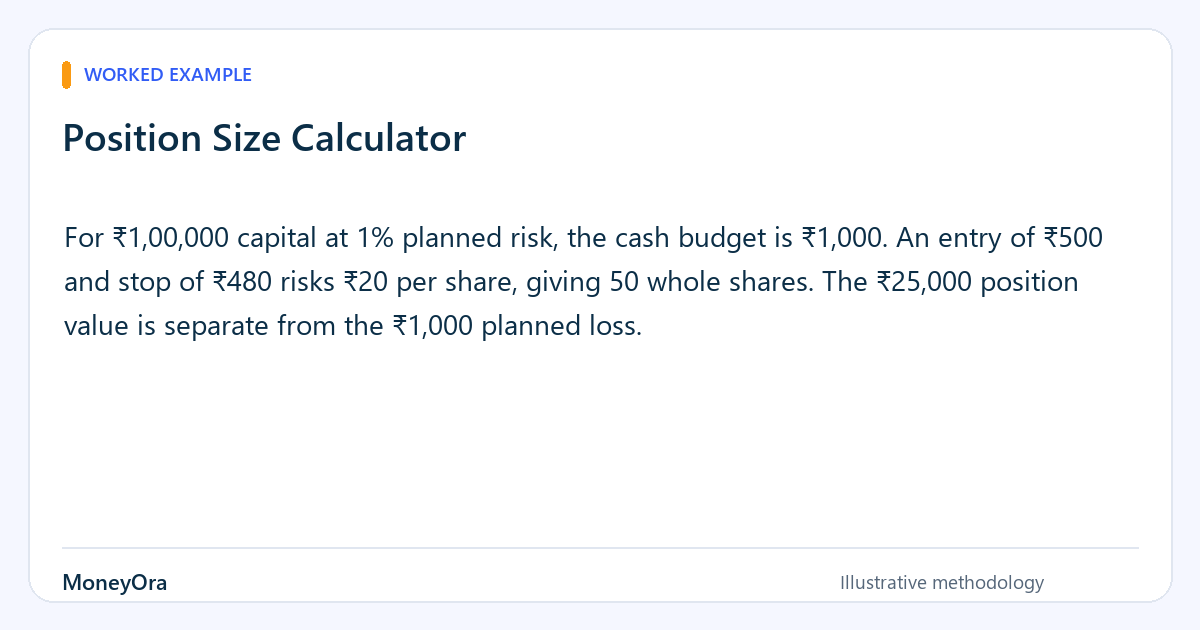
For ₹1,00,000 capital at 1% planned risk, the cash budget is ₹1,000. An entry of ₹500 and stop of ₹480 risks ₹20 per share, giving 50 whole shares. The ₹25,000 position value is separate from the ₹1,000 planned loss.
How to read the result
Position size is rounded down so the planned price-distance loss fits within the entered cash-risk budget. A wider distance between entry and stop reduces the calculated unit count. The budget assumes execution at those prices; slippage or a gap can create a larger actual loss. The result does not check margin, trading permissions, instrument lot sizes or whether your capital can fund the entire purchase.
A useful comparison
The cash risk budget applies to the planned difference between entry and stop. The tool rounds the calculated quantity down to whole units so the model loss does not exceed that budget. A fractional theoretical quantity should not be rounded up merely to reach a preferred position size.
This is a risk-distance calculation, not a buying-power check. Multiply the resulting units by the entry price and compare the required purchase cash with available funds. A futures or options contract may have a fixed lot size or contract multiplier that requires a separate adjustment.
The chosen stop must sit below entry for a long position and above entry for a short position. Equal entry and stop prices produce zero distance and cannot define a finite position size. Actual loss can exceed the planned budget because execution can occur beyond the stop, and fees also consume part of the cash available.
Assumptions and limits
The model excludes slippage, gap risk, brokerage and derivatives lot restrictions. A stop order is not a guaranteed execution price. Short trades also require suitable permissions, borrowing or product arrangements.
Position Size Calculator FAQs
Can the suggested quantity exceed available cash?
Yes. Risk size and affordability are different constraints. Check the notional position value, available funds and margin requirement. Reduce the quantity when buying power or lot rules require it.
Are my calculator inputs stored?
Ordinary numeric inputs are calculated in your browser. This calculator does not save those entries to browser storage or send them with a calculation request. A separate reference-rate request contacts a data provider through the server. Read the Privacy Policy for hosting and provider details.
What should I check if a result looks different from my statement?
Check trading capital, capital risked per trade, entry price, then compare the exact calculation convention stated above. A different period, unit, rounding rule or excluded charge can change the result. Send the page URL and a reproducible numerical example to support@moneyora.in if the arithmetic still appears wrong.
Sources and corrections
Use the linked primary source to verify product terms and current rules. The source explains the underlying subject; it does not certify this calculator. Report a calculation problem with the inputs and expected result so the example can be checked.
Revision prepared 24 November 2026: input and result guidance updated; formula and worked example retained.
Related share market tools
Share Market
Stock Average Calculator
Calculate the weighted average purchase price for two share purchases.
PE Ratio Calculator
Compare a company’s share price with its earnings per share.
Dividend Yield Calculator
Estimate dividend yield and annual dividend income for a shareholding.
Stock Return Calculator
Calculate a shareholding’s gain or loss including dividends and entered costs.
Margin Calculator
Estimate an illustrative margin amount from notional exposure and an entered margin percentage.
Brokerage Calculator
Estimate trading costs using a broker rate, an order cap and separately entered statutory charges.
Stop Loss Calculator
Calculate a stop price and planned cash loss for a long or short trade.
Option Price Calculator
Estimate a European option value with the Black-Scholes model and a dividend yield input.
No matching tool. Try a shorter search or choose another category.