Lumpsum Calculator
Project how one investment could grow and compare its value after inflation.
By Mukesh Rajbhar. Calculation methodology prepared 23 November 2026. Educational estimates.
Lumpsum Calculator inputs
On this page
What the lumpsum calculator measures
A single deposit has the whole investment period to grow. That also means the entire amount is exposed to the entry price. This calculator separates nominal growth from purchasing power, so a larger balance does not automatically look like a proportionate increase in what you can buy.

Understand the inputs
One-time investment
Enter the amount invested at the beginning. No later deposits are included. Enter a rupee amount using digits, without a currency symbol or comma. The result uses Indian number grouping, while the calculation retains precision until it is displayed.
Expected annual return
Use a return assumption consistent with the asset and risk you are considering. Type the percentage itself, such as 8 for eight percent. Keep the quoted period consistent with the label; a monthly percentage and an annual percentage are different inputs.
Time period
Enter complete years. The calculation uses the same rate throughout this period. Use a whole number for this period. The tool does not infer opening dates, holiday adjustments or partial periods from the duration alone.
Annual inflation assumption
This reduces the final balance to the purchasing power of today’s rupees. Type the percentage itself, such as 8 for eight percent. Keep the quoted period consistent with the label; a monthly percentage and an annual percentage are different inputs.
How to use the lumpsum calculator
Start with the amount invested once, rather than a recurring contribution. Enter the annual return scenario and the number of years you intend to compare. Add an inflation assumption to see a second view of purchasing power. Keep the principal and duration unchanged when testing a lower return. This makes the difference between investment growth and inflation easier to inspect without changing several assumptions together.
Lumpsum Calculator formula
Future value = principal × (1 + return / 100)^years. Value in today’s rupees = future value / (1 + inflation / 100)^years.
Calculations retain precision until display. Currency amounts are rounded to two decimal places. Displayed percentages and quantities may use more decimal places. A lender or provider can round each payment separately, so its statement can differ from this estimate.
Lumpsum Calculator example
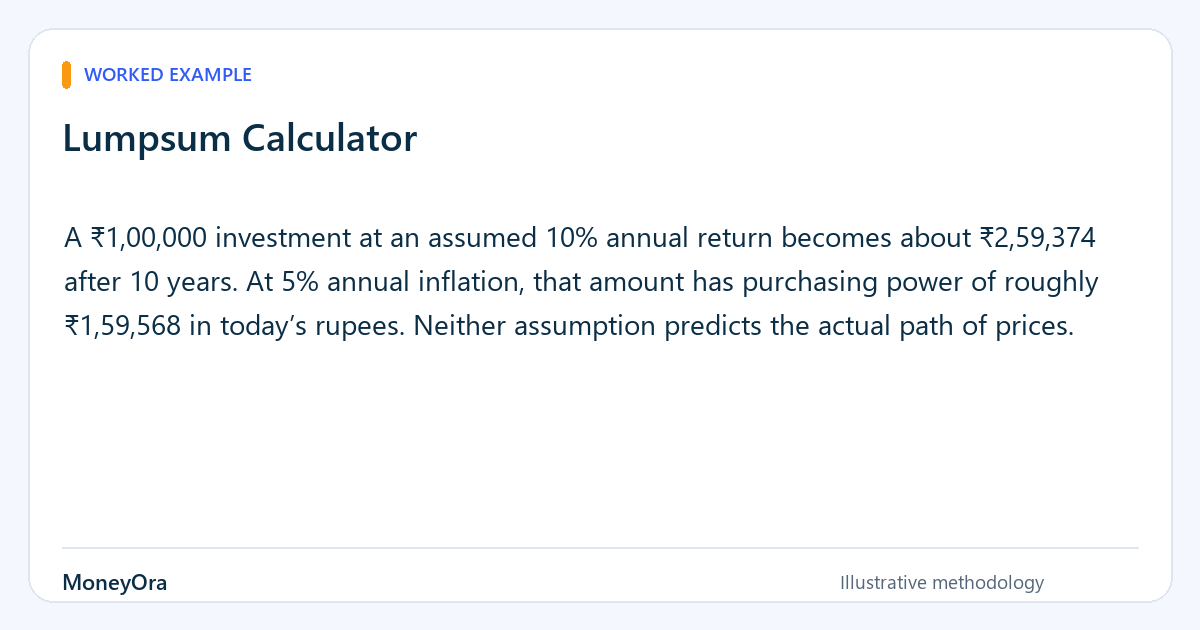
A ₹1,00,000 investment at an assumed 10% annual return becomes about ₹2,59,374 after 10 years. At 5% annual inflation, that amount has purchasing power of roughly ₹1,59,568 in today’s rupees. Neither assumption predicts the actual path of prices.
How to read the result
The future value is a nominal rupee amount. The inflation-adjusted figure expresses that same projected balance in today's rupees using the inflation assumption you entered. These are two views of one investment, not separate payouts. Increasing the holding period compounds both the return assumption and the inflation adjustment. Neither figure includes a product-specific redemption tax or promises that a one-time investment will earn a constant annual rate.
A useful comparison
The nominal and inflation adjusted results answer different questions. The nominal balance estimates the number of rupees available at the end. The adjusted balance estimates what those rupees could buy relative to the beginning of the period. Compare a future nominal school fee with the nominal balance. Compare today's spending power with the adjusted balance. Mixing those units can make a funding gap appear larger or smaller than it is.
Compounding also works through a loss. A negative annual assumption reduces the balance each year rather than subtracting the same rupee amount repeatedly. A fall of fifty percent needs a subsequent gain of one hundred percent to recover. The model cannot show that uneven path when you enter one constant annual rate. If you intend to add money later, record those deposits separately instead of putting the eventual total into the opening amount. Doing so would give later deposits growth they never earned. Compare several starting dates and risk assumptions before treating one projection as a spending budget.
Assumptions and limits
The model assumes a constant return and no withdrawals. It excludes tax, fund costs and transaction charges. Inflation is also an assumption. A household facing high education or medical costs may experience a different rate from a broad consumer price index.

Lumpsum Calculator FAQs
Can this estimate account for inflation?
Yes. Enter an inflation assumption to see the final value expressed in today’s rupees. The nominal amount remains useful for a future bill, while the adjusted amount helps compare purchasing power.
Are my calculator inputs stored?
Ordinary numeric inputs are calculated in your browser. This calculator does not save those entries to browser storage or send them with a calculation request. A separate reference-rate request contacts a data provider through the server. Read the Privacy Policy for hosting and provider details.
What should I check if a result looks different from my statement?
Check one-time investment, expected annual return, time period, then compare the exact calculation convention stated above. A different period, unit, rounding rule or excluded charge can change the result. Send the page URL and a reproducible numerical example to support@moneyora.in if the arithmetic still appears wrong.
Sources and corrections
Use the linked primary source to verify product terms and current rules. The source explains the underlying subject; it does not certify this calculator. Report a calculation problem with the inputs and expected result so the example can be checked.
Revision prepared 24 November 2026: input and result guidance updated; formula and worked example retained.
Related finance calculators tools
Finance Calculators
SIP Calculator
Estimate the future value of a monthly investment, with your contribution timing made explicit.
FD Calculator
Estimate a cumulative fixed deposit maturity with a selected compounding frequency.
RD Calculator
Estimate recurring deposit maturity from regular monthly instalments.
PPF Calculator
Explore a PPF balance with annual deposits and an explicit interest assumption.
EPF Calculator
Project an EPF balance using the contributions actually credited to the EPF account.
NPS Calculator
Estimate an NPS corpus and an illustrative split between cash and annuity purchase.
EMI Calculator
Calculate a reducing balance loan instalment, total interest and repayment schedule.
CAGR Calculator
Find the annualised growth rate between an opening value and a closing value.
SWP Calculator
Project monthly withdrawals and see whether an assumed investment balance runs out.
No matching tool. Try a shorter search or choose another category.