IFSC Finder
Look up bank and branch details for an Indian Financial System Code.
By Mukesh Rajbhar. Calculation methodology prepared 23 November 2026. Educational estimates.
IFSC finder inputs
On this page
What this lookup measures
IFSC identifies a bank branch used for supported electronic transfers. A correctly formatted code is only a syntax check. A successful directory lookup provides branch information to cross-check against the beneficiary’s bank records; it does not verify who owns the receiving account.
Understand the inputs
IFSC code
Enter 11 characters: four letters, the digit zero, then six letters or digits. Never enter an account number or OTP. Spaces at the beginning or end are removed and letters are capitalised before lookup. A format match does not establish that the branch exists or that an account is genuine.
How to use the ifsc finder
Copy the complete eleven-character IFSC from a bank-issued record. Enter it without an account number, PAN or payment instruction, then select Find branch. Compare the returned bank, branch and address with the recipient's bank details. If the directory reports no match, check the code with the bank. If the service is unavailable, keep that error separate from a confirmed not-found result rather than guessing another code.
IFSC Finder formula
An IFSC has 11 characters and follows the pattern of four bank letters, a zero in position five, and six branch characters. Lookup data is supplied by the Razorpay IFSC directory.
IFSC Finder example
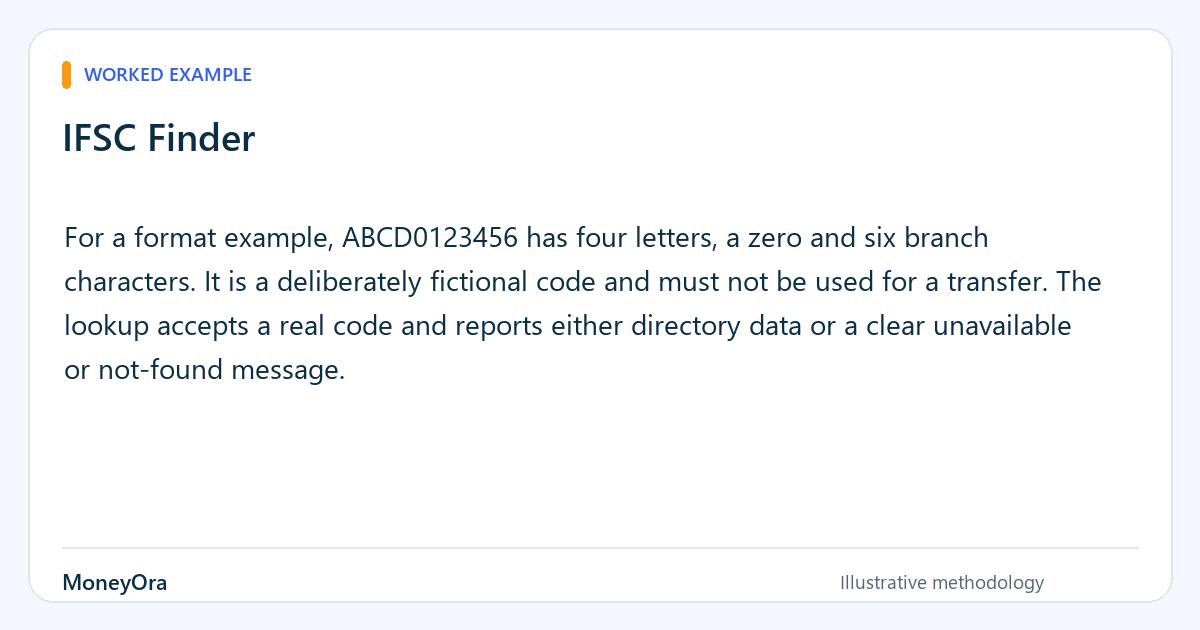
For a format example, ABCD0123456 has four letters, a zero and six branch characters. It is a deliberately fictional code and must not be used for a transfer. The lookup accepts a real code and reports either directory data or a clear unavailable or not-found message.
How to read the result
A successful IFSC lookup returns a directory record for a branch. It does not check the receiving account's status or establish that a recipient is genuine. Compare the branch location and bank name, especially after a merger or branch change. A correctly formatted code can still be the wrong code for your recipient. Confirm payment details through your bank's transfer process and a trusted contact before sending money.
A useful comparison
An IFSC identifies a participating bank branch for supported electronic payment routing. It is not a bank account number and does not identify the person who owns an account. Finding a matching branch record therefore cannot confirm that a payment recipient is genuine. Verify recipient details through the bank or a trusted existing contact before transferring money.
Enter the code exactly as supplied by the bank and compare the returned bank, branch and location. A structural check can reject an incorrectly formed code, but a correctly formed string can still refer to the wrong branch or an outdated record. Banks can merge, rename branches or change routing arrangements, so an old printed cheque or saved contact may need a fresh check.
The lookup uses the named directory provider rather than searching your accounts. The provider can be temporarily unavailable, and its records may lag a bank's changes. A failed request does not by itself prove that the code is invalid. Check the bank's official branch locator or contact channel if the result is missing or inconsistent.
Do not type an account number, PAN, card number, password or OTP into the IFSC field. None is needed to retrieve a branch record. The server sends the requested code to the directory service; it does not need the rest of a transfer instruction.
For a payment you intend to make now, confirm the required transfer details within your banking application. An IFSC result does not test account status, recipient name matching, transfer limits or a bank's current service availability. If a provider error appears, preserve the distinction between an unavailable lookup and an actual not-found response instead of guessing a replacement code.
Assumptions and limits
Bank mergers, branch moves and directory update delays can change a code’s status. Confirm the code with the beneficiary and their bank before sending money. Never share an OTP, card PIN, password or full account details to perform a branch lookup.
IFSC Finder FAQs
Does a valid IFSC prove an account belongs to the person I expect?
No. It identifies bank branch routing information. Verify beneficiary details through the bank’s transfer process and a trusted contact route before transferring funds.
Are my calculator inputs stored?
The IFSC is sent to the server and the Razorpay IFSC directory when you request a lookup. Do not enter an account number, OTP or other personal credential. Hosting logs may record requests. Read the Privacy Policy for the processing used by this build.
What should I check if a result looks different from my statement?
Check ifsc code, then compare the exact calculation convention stated above. A different period, unit, rounding rule or excluded charge can change the result. Send the page URL and a reproducible numerical example to support@moneyora.in if the arithmetic still appears wrong.
Sources and corrections
Use the linked primary source to verify product terms and current rules. The source explains the underlying subject; it does not certify this calculator. Report a calculation problem with the inputs and expected result so the example can be checked.
Revision prepared 24 November 2026: input and result guidance updated; formula and worked example retained.
Related bank tools
Bank
Home Loan Eligibility Calculator
Estimate a housing loan amount from income, existing EMIs and an affordability ratio.
Personal Loan Eligibility Calculator
Explore the personal loan principal supported by a monthly repayment budget.
Savings Interest Calculator
Estimate savings account interest from a constant daily balance and annual rate.
Credit Card EMI Calculator
Compare a card EMI’s instalments with an upfront processing fee.
Home Loan Prepayment Calculator
Estimate the tenure and interest effect of an immediate loan prepayment while keeping EMI unchanged.
Balance Transfer Calculator
Compare remaining loan interest at two rates after including transfer costs.
Minimum Balance Charges Calculator
Check an illustrative average-balance shortfall and fee using your bank’s own schedule.
No matching tool. Try a shorter search or choose another category.